

Creating a photobook is a wonderful way to preserve your cherished memories, but a few common mistakes can affect the final result.
Whether you are designing a photobook for a special occasion or simply compiling your favourite moments, avoiding these pitfalls will help you achieve a professional and polished look.
Here are some mistakes to watch out for when designing your photobook.

1. Using Low-Quality Photos
Blurry or pixelated images can ruin the overall appearance of your photobook. Ensure that all images are high resolution and suitable for printing.
- Use photos with at least 300 DPI for best quality.
- Avoid using screenshots or social media downloads, as these are often compressed and low quality.
- Check the preview before finalizing to ensure images appear sharp and clear.
- Avoid using dark photos that have no detail in the black areas.
2. Overcrowding Pages with Too Many Photos
While it’s tempting to include as many pictures as possible, overcrowding pages can make your photobook look cluttered and overwhelming.
- Stick to a balanced layout with a good mix of single-image pages and multi-photo layouts.
- Leave some white space to give your photos room to stand out.
- Prioritize quality over quantity by selecting only the best images.
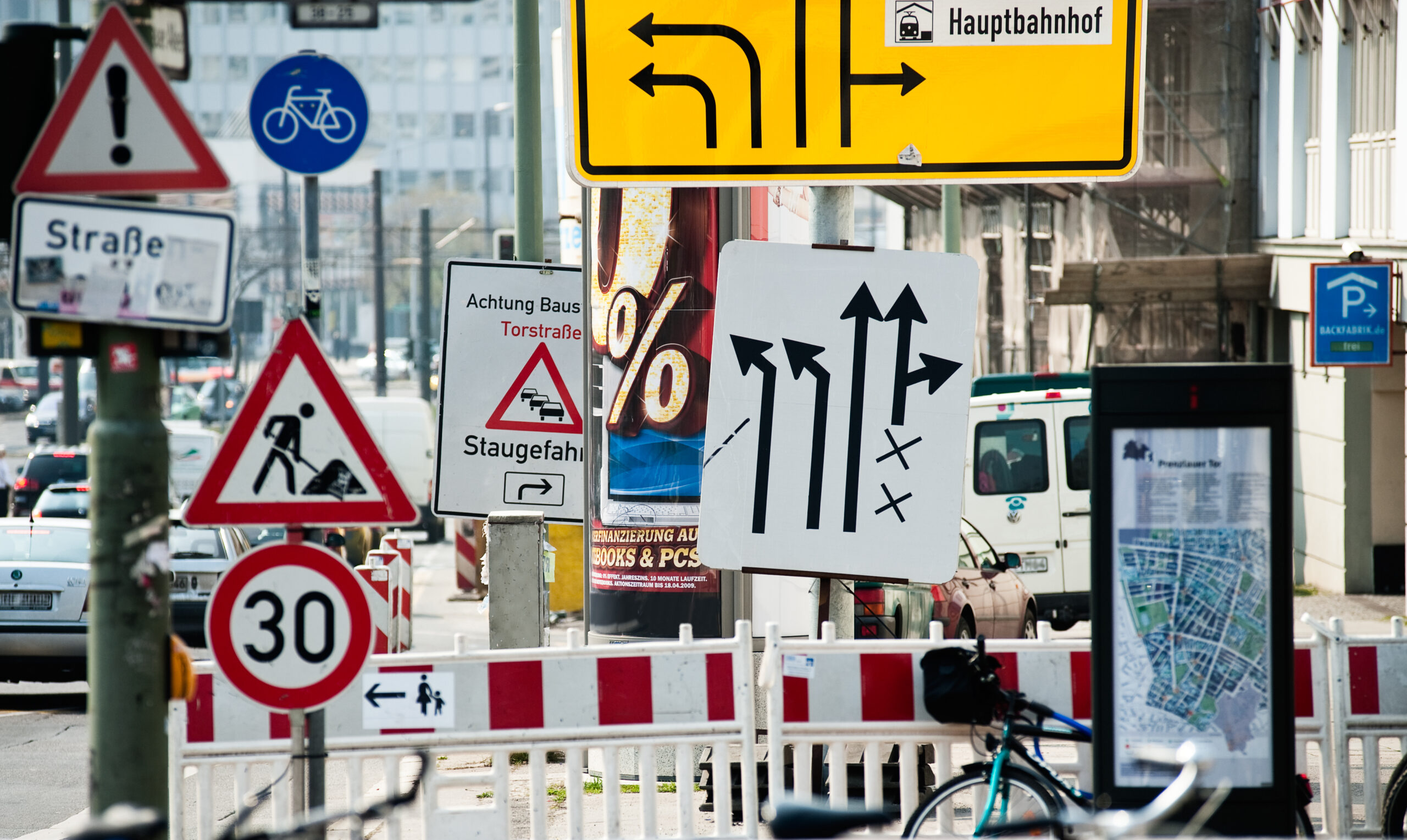
3. Ignoring a Consistent Theme or Story
A photobook should tell a story, whether it’s about a family trip, a wedding, or a child’s first year. A lack of consistency can make the photobook feel disorganized.
- Choose a theme that ties your photos together (e.g., chronological order, color scheme, or event-based layout).
- Stick to a uniform font and colour palette for a cohesive look.
- Use captions or short descriptions to provide context where necessary.
4. Poor Font Choices and Overuse of Text
While captions and text can enhance your photobook, using too many words or hard-to-read fonts can detract from the visuals.
- Select simple, legible fonts that complement your theme.
- Keep text minimal and meaningful; let the photos do most of the storytelling.
- Avoid overly bright or clashing colours that make text difficult to read.
- Do not use thin font styles on a dark background as this will make it difficult to read.
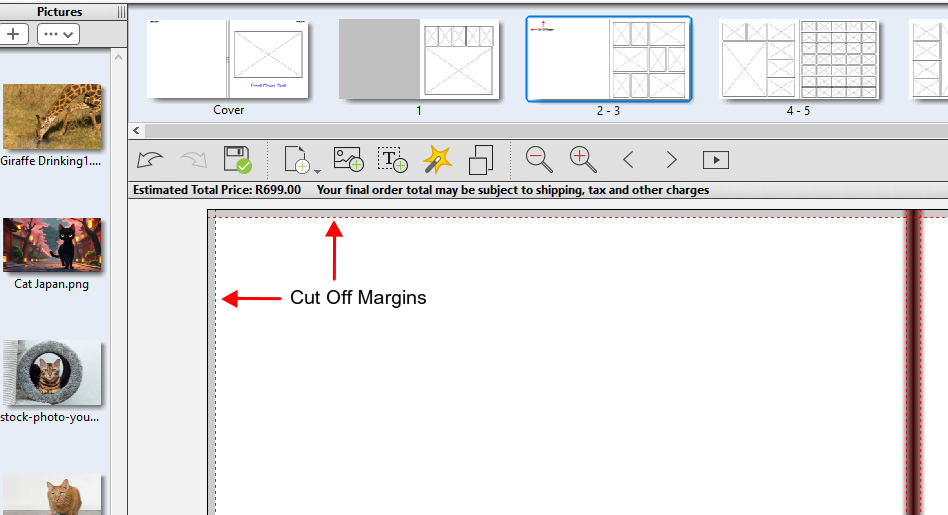
5. Ignoring Margins and Safe Zones
Neglecting margins and safe zones can result in important details getting cut off during printing.
- Keep text and key elements away from the edges of the page.
- Use guides in the design software to ensure proper alignment.
- Double-check cropping and positioning before finalizing your photobook.
6. Inconsistent Photo Editing
Applying different filters or inconsistent colour corrections can make your photobook look unprofessional.
- Stick to one editing style or filter to maintain a cohesive appearance.
- Avoid excessive use of filters that alter the natural look of the photos.
- Ensure all images have consistent brightness and contrast for a uniform finish.
7. Not Proofreading Before Printing
Spelling mistakes, typos, and misaligned elements can reduce the quality of your photobook.
- Review your text and captions carefully.
- Have a second pair of eyes check for mistakes.
- Use the preview function to spot layout issues before printing.
Conclusion
Designing a photobook should be a fun and rewarding experience, but avoiding common mistakes ensures you end up with a high-quality keepsake.
By using high-resolution images, maintaining a consistent theme, choosing appropriate layouts, and proofreading your work, you can create a photobook that you’ll treasure for years to come.
Take your time, plan carefully, and enjoy the process of bringing your memories to life!