Preserving Your Parents Old Photos A Step-by-Step Guide to Creating a Heritage Photobook
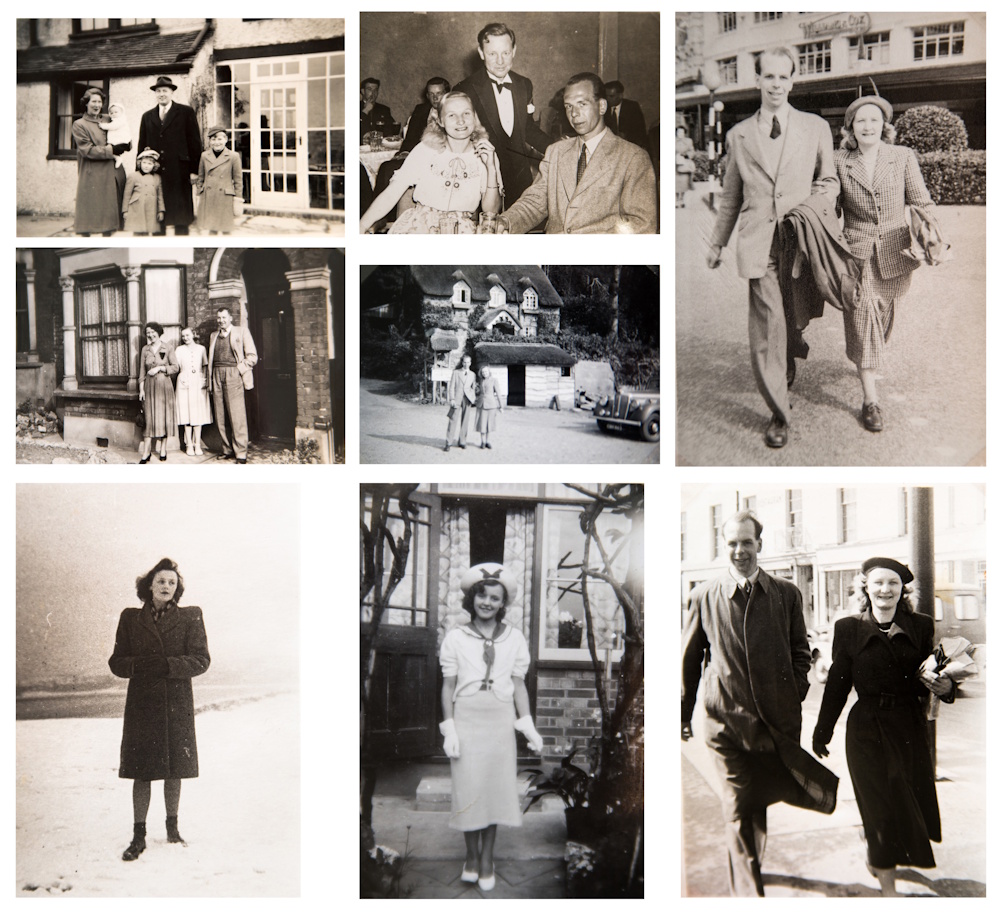
We all have a dusty shoebox hidden atop the wardrobe, packed with snaps of Sunday braais and Gogo’s wedding. Sadly, those physical memories are actively fading. According to professional archivists, poor old photo storage exposes prints to dust, heat, and humidity. In our harsh climate, these three enemies slowly destroy the fragile paper, quietly erasing our ancestors’ faces.
Rescuing these stories is easier than you think. Preserving your parents’ old photos by creating a heritage photobook safely transforms that messy box into a permanent coffee-table book. Beyond preventing physical photo degradation and silvering from claiming your history, this practical approach provides a shared digital backup. Let’s bring your family legacy back to life.
Stop the Rot: How to Sort and Clean Your ‘Shoebox’ Archives Without Causing Damage
We all know the heartbreak of gently peeling a memory out of an old, sticky album. When deciding how to organize old family photographs for a book, start with a simple “Keep, Research, and Restore” sorting system. “Keep” is for clear shots. “Research” is for mystery faces you need to ask an aunt about. “Restore” is for cracked gems requiring digital help later, like restoring faded black and white pictures from the 1950s.
Once categorized, these fragile memories need gentle preparation before digitizing. Never use water or household chemicals, which will instantly ruin the paper. Instead, gather these basic tools—often found alongside archival-safe storage materials for old prints—to safely wipe away decades of Highveld dust:
-
A clean microfiber cloth for gentle, single-direction wiping.
-
A soft-bristled makeup brush to sweep away loose dirt.
-
A photographic blower brush to puff off stubborn grit.
-
Cotton gloves so your natural skin oils don’t cause stains.
Properly cleaned photos are now stabilized and ready for the crucial digitization phase.
600 DPI or Bust: Professional Scanning vs. Smartphone Apps for Heritage Quality
Snapping a picture of Gogo’s vintage portrait with your phone is fine for WhatsApp, but a printed photobook requires a true print-ready file. Think of a digital image as a mosaic made of tiny dots. When applying high-resolution settings for scanning historical documents, we measure this detail in DPI (Dots Per Inch). Aiming for 600 DPI is the gold standard, capturing enough “dots” to safely enlarge small photos later without them looking blurry or blocky on the page.
Deciding how to capture these dots depends on your ultimate goal. When weighing professional photo scanning vs DIY smartphone apps, consider this practical breakdown:
-
Smartphone Apps (like Google PhotoScan): Fast and free. Great for quick online sharing, but produces lower resolution files that look soft in print.
-
Flatbed Scanners: Slower to use, but delivers true 600 DPI. Essential for crisp photobook printing or converting old film negatives to digital formats.
Investing time in a proper flatbed scan guarantees your printed pages will look as sharp as those original memories.
Another option is to use the services of a company like Photo2Print to scan these photos for you.
Once you have created these pristine files, securing them with reliable backups and proper naming conventions is essential.
From Messy Folders to a Story: Naming and Backing Up Your Digital Legacy
A screen of files named “Scan01.jpg” can quickly overwhelm your project. For the best results in digitizing vintage family albums, legacy keepers must master organization early in this process. Rename your newly scanned files just like you would write on the back of a physical print, using this foolproof template:
-
[YYYY-MM-DD][Location][WhoIsInPhoto].jpg
This consistent habit makes adding captions to historical family portraits completely effortless when you start building your book.
Protecting these organized files from a sudden hardware crash is your next vital task. Follow the “3-2-1 Backup Rule”: keep three total copies of your images, stored on two different physical devices (like your computer and an external flash drive), with one copy saved in free cloud storage. This ensures a loadshedding power surge won’t erase your heritage. An organized and safely backed-up digital archive provides the perfect foundation for designing your physical book.
Bringing the Story to Life: Layout Design and Local Printing Secrets
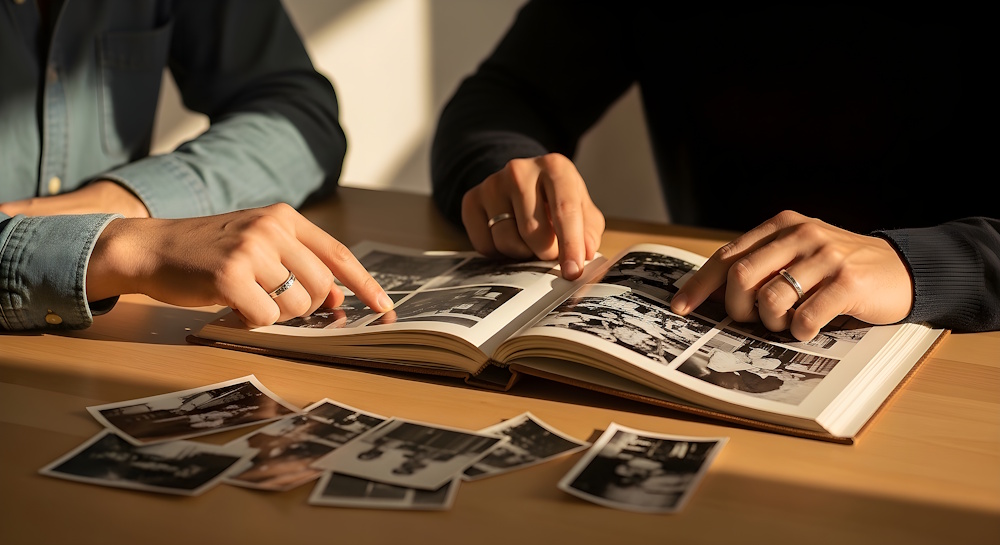
Now that your digital files are secure, creating a layout design for genealogical storybooks acts like arranging a physical scrapbook on the dining room table. Don’t just place a picture of a Sunday braai; add short captions underneath to capture the stories, dates, and names that bring those memories back to life.
Now, as the saying goes, “Local is Lekker”.
Photo2Print are the pioneers of photobooks in South Africa. In addition to serving numerous photo companies, they have a deep appreciation for memories and their intrinsic value. Every product they offer is handled with the utmost care, ensuring your precious moments are preserved flawlessly.
Physical finishes matter just as much as your digital setup. When choosing paper types for legacy albums, skip gloss UV because it shows sticky fingerprints. Instead, keep the “Matt” option for a smooth, classic feel. Finally, consider the option of “lay-flat photobooks” so large family portraits spanning two pages won’t disappear into the center fold. These carefully selected design choices deserve a realistic production timeline to ensure your project reaches the finish line.
Your 30-Day Legacy Plan: Moving from a Dusty Box to a Finished Book
You now have the tools to turn fragile memories into a permanent legacy. A physical heirloom outlives forgotten digital files, keeping your family’s spirit alive. This journey is about preserving ancestral stories through visual media, creating a tangible record that perfectly complements South African genealogy research for family books. Keep your momentum with this realistic roadmap:
- Week 1: Sort photos by decade.
- Week 2: Scan chosen images.
- Week 3: Design your book.
- Week 4: Print and share.
In the spirit of Ubuntu, these stories belong to your whole family. Your parents’ memories are highly valuable records of your history. Take a simple first step to see immediate results: grab just one envelope of photos and spend 15 minutes sorting them today. Every face you save brings your history safely into the future.