

Now that you’ve mastered the fundamental techniques for capturing better phone photos for print (covered in our previous article), it’s time to dive into the more advanced aspects that separate good photobooks from truly exceptional ones. This stage is where your technical photography skills meet the art of curation and storytelling.
The difference between a collection of nice photos and a compelling photobook lies not just in individual image quality, but in how those images work together to tell your story. From selecting the right combination of shots to understanding how colours translate to print, these advanced techniques will help you create photobooks that feel professionally crafted and emotionally resonant.
Organizing and Selecting Images for Maximum Impact
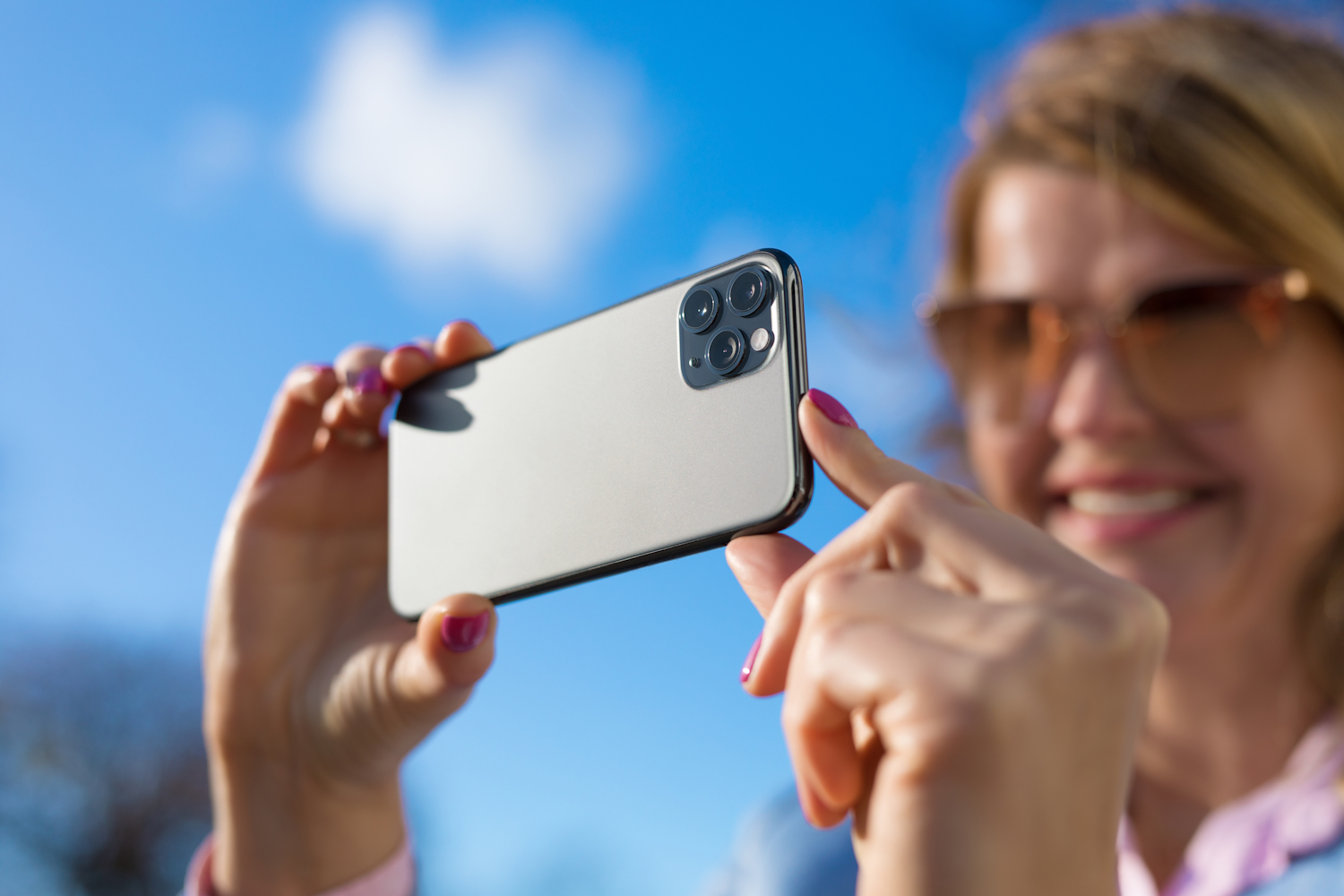
Taking great photos is only half the battle—selecting and organizing them effectively is crucial for compelling photobooks. This process requires a critical eye and an understanding of visual storytelling.
The 3:1 Rule For every image you plan to include in your photobook, take at least three shots. This gives you options and ensures you’ll have at least one perfectly sharp, well-exposed image. With digital photography being essentially free, there’s no reason not to take multiple shots of important moments. Vary your angles, compositions, and even expressions in portraits to give you the best selection possible.
Edit Ruthlessly When selecting images for your photobook, be ruthless in your editing process. It’s better to have 50 outstanding images than 200 mediocre ones. Look for images that are sharp, well-exposed, and emotionally meaningful. If you’re unsure about an image’s print quality, err on the side of caution and leave it out. Remember, every image in your photobook should earn its place—either by advancing the story or creating an emotional connection.
Consider the Story Flow Think about how your images tell a story when viewed sequentially. Mix wide shots with close-ups, action shots with quiet moments, and group photos with individual portraits. This creates a dynamic viewing experience that keeps people engaged with your photobook. Consider the emotional arc of your story—how do you want viewers to feel as they progress through the pages?
Create Visual Variety Avoid the monotony of similar shots. If you have ten group photos from a birthday party, choose the two or three best ones and supplement them with detail shots (the birthday cake, decorations, gifts), candid moments (laughter, surprise expressions), and environmental shots (the party setup, the venue). This variety keeps the visual experience fresh and engaging.
Colour and Printing Considerations
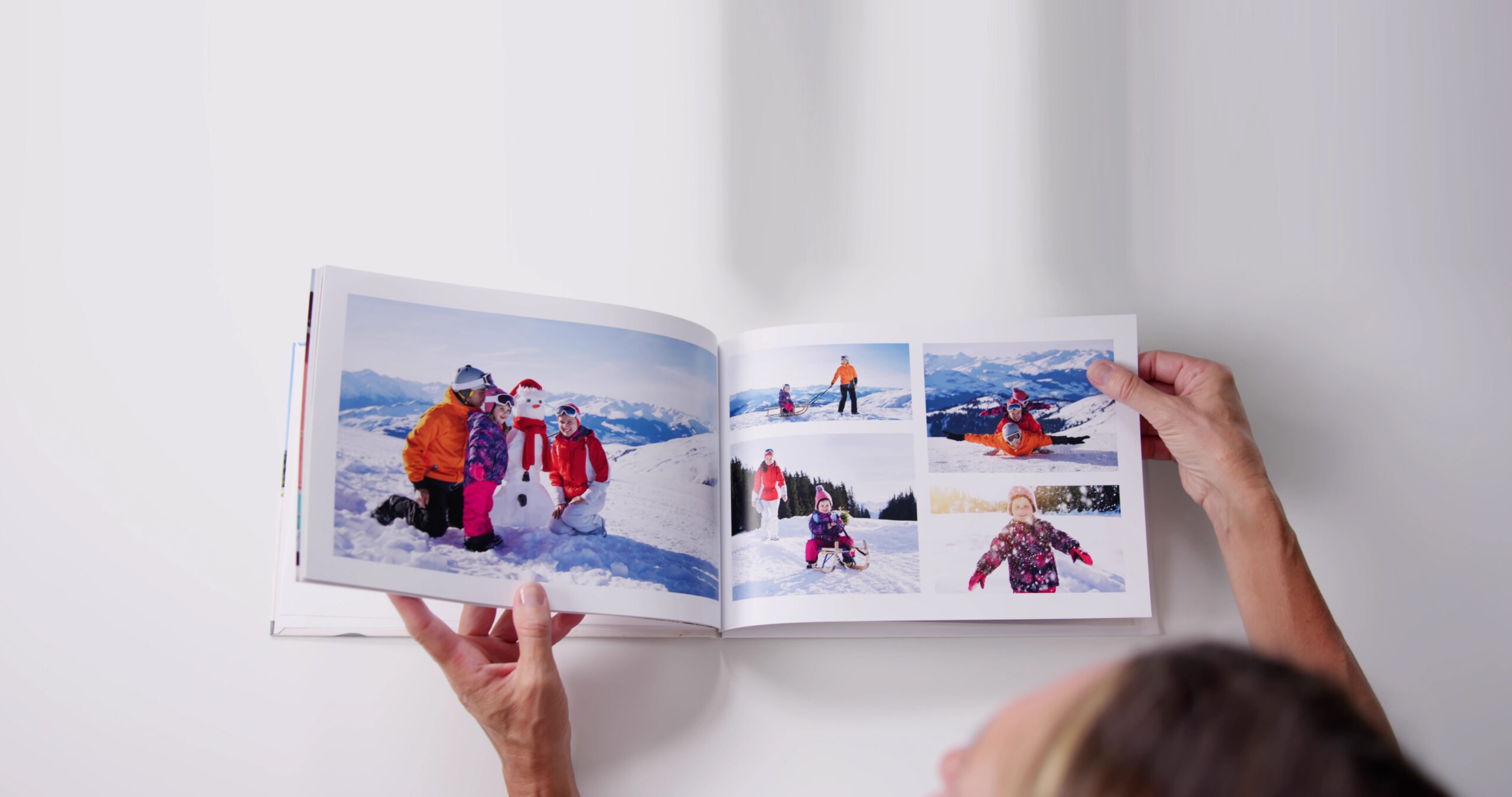
Understanding how colours translate from screen to print will help you make better decisions both when shooting and when selecting images for your photobook.
Vibrant Colours Print Differently Extremely saturated colours—particularly bright reds, electric blues, and neon colours—can look different when printed than they do on your screen. While this doesn’t mean you should avoid colourful subjects, be aware that the most vibrant digital colours may appear more muted in print. This is due to the difference between additive colour (screens) and subtractive colour (print).
Neutral Tones Are Your Friends Images with natural skin tones, earth colours, and neutral backgrounds tend to print most reliably and beautifully. These colours translate well from digital to print and create a timeless quality that works well in photobooks. When in doubt, images with a more natural colour palette are safer choices for print.
Understanding White Balance for Print Mixed lighting situations can create colour casts that are more noticeable in print than on screen. Pay attention to your phone’s white balance settings, especially when shooting indoors. Auto white balance works well in most situations, but if you notice your images have an orange (tungsten) or blue (fluorescent) tint, consider adjusting the white balance manually or in post-processing.
Consider Colour Harmony Across Spreads When designing your photobook, think about how colours work together across facing pages. Images with complementary or harmonious colour schemes create more visually pleasing spreads than jarring colour combinations. This doesn’t mean every page needs to match perfectly, but consider the overall colour flow of your book.
Advanced Tips for Exceptional Results
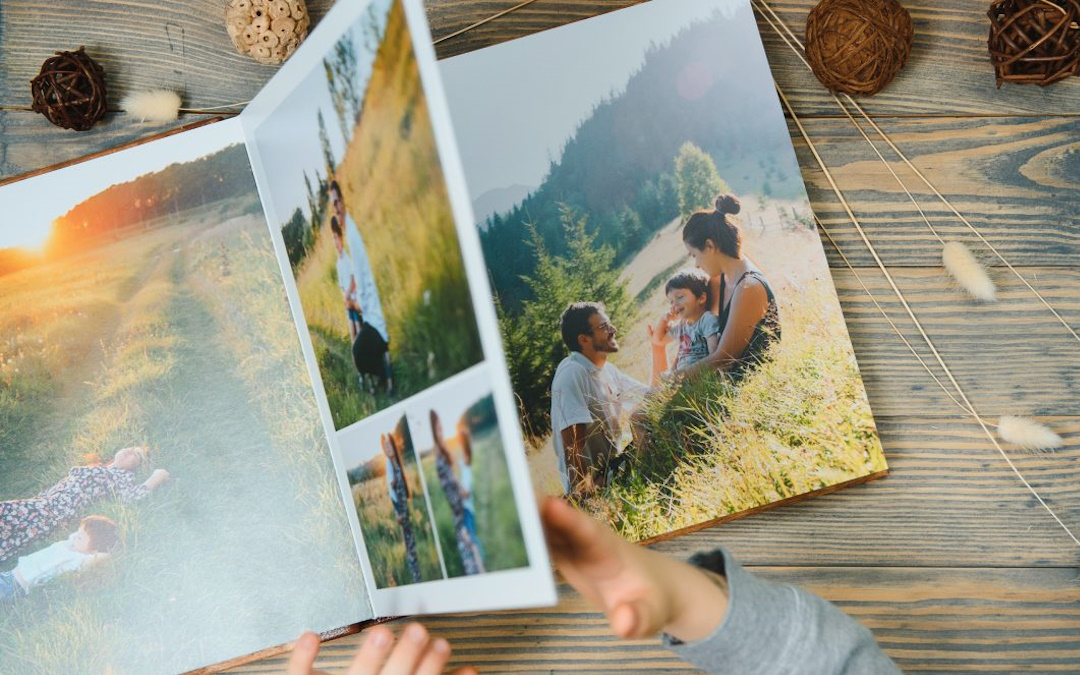
Once you’ve mastered the basics, these advanced techniques can take your phone photography to the next level.
Use Portrait Mode Thoughtfully Portrait mode can create beautiful separation between subjects and backgrounds, but use it judiciously. The effect should enhance the image, not dominate it. Also, be aware that artificial bokeh doesn’t always print as smoothly as natural bokeh from professional cameras, so review these images carefully before including them in your photobook. Look for edge artifacts around your subject that might be more noticeable in print.
Experiment with Different Apps While your phone’s default camera app is convenient, third-party apps often offer more manual control over settings like ISO, shutter speed, and white balance. Apps like VSCO, Adobe Lightroom Mobile, or Camera+ can give you more creative control. However, remember that more control also means more responsibility—learn what each setting does before adjusting it.
Consider the Final Size Think about how large your images will be printed in the photobook. A photo that looks great as a full-page image might not work as well as a smaller image on a busy page. Similarly, very detailed shots might lose their impact when printed small, while simple, bold compositions can work beautifully at any size. Consider the hierarchy of your images—which deserve full-page treatment and which work better as supporting elements.
Master the Art of Negative Space Negative space—the empty or uncluttered areas in your photos—becomes even more important in photobook design. These areas provide visual breathing room and can be used for text, titles, or design elements. Don’t feel like you need to fill every inch of your frame with subject matter.
Creating Consistency Throughout Your Photobook
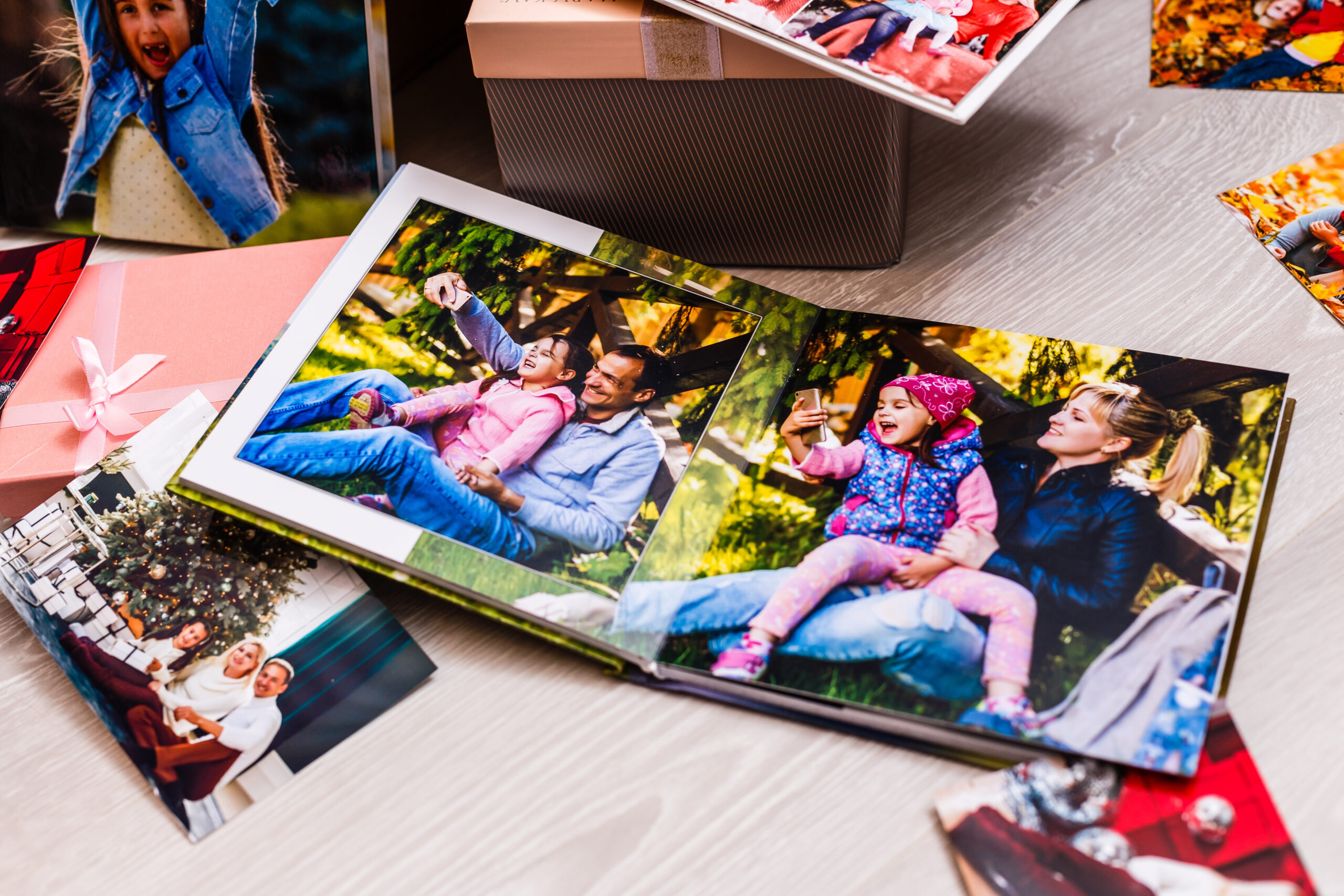
One hallmark of professional-looking photobooks is consistency in image quality and style throughout the book.
Maintain Similar Editing Styles If you edit your photos, try to maintain a consistent look throughout your photobook. This doesn’t mean every photo should look identical, but rather that they should feel like they belong together. Consider creating a simple editing preset that you apply to all images for consistency. This might involve consistent contrast levels, similar colour saturation, or a unified approach to highlights and shadows.
Balance Different Types of Shots Aim for a good balance of different shot types throughout your photobook: wide establishing shots, medium group photos, and close-up details. This variety keeps the viewing experience engaging while ensuring every important aspect of your story is covered. Think of it like a well-composed musical piece—you need variety within a cohesive structure.
Consistent Quality Standards Set quality standards for your photobook and stick to them. This might mean a minimum sharpness level, specific lighting quality, or compositional requirements. Having clear standards makes the selection process easier and ensures your final product maintains a professional appearance throughout.
Consider Seasonal or Event Consistency If your photobook covers a specific time period or event, maintain consistency in that context. For example, a vacation photobook might have a consistent colour palette that reflects the destination, while a year-in-review book might be organized chronologically with consistent seasonal themes.
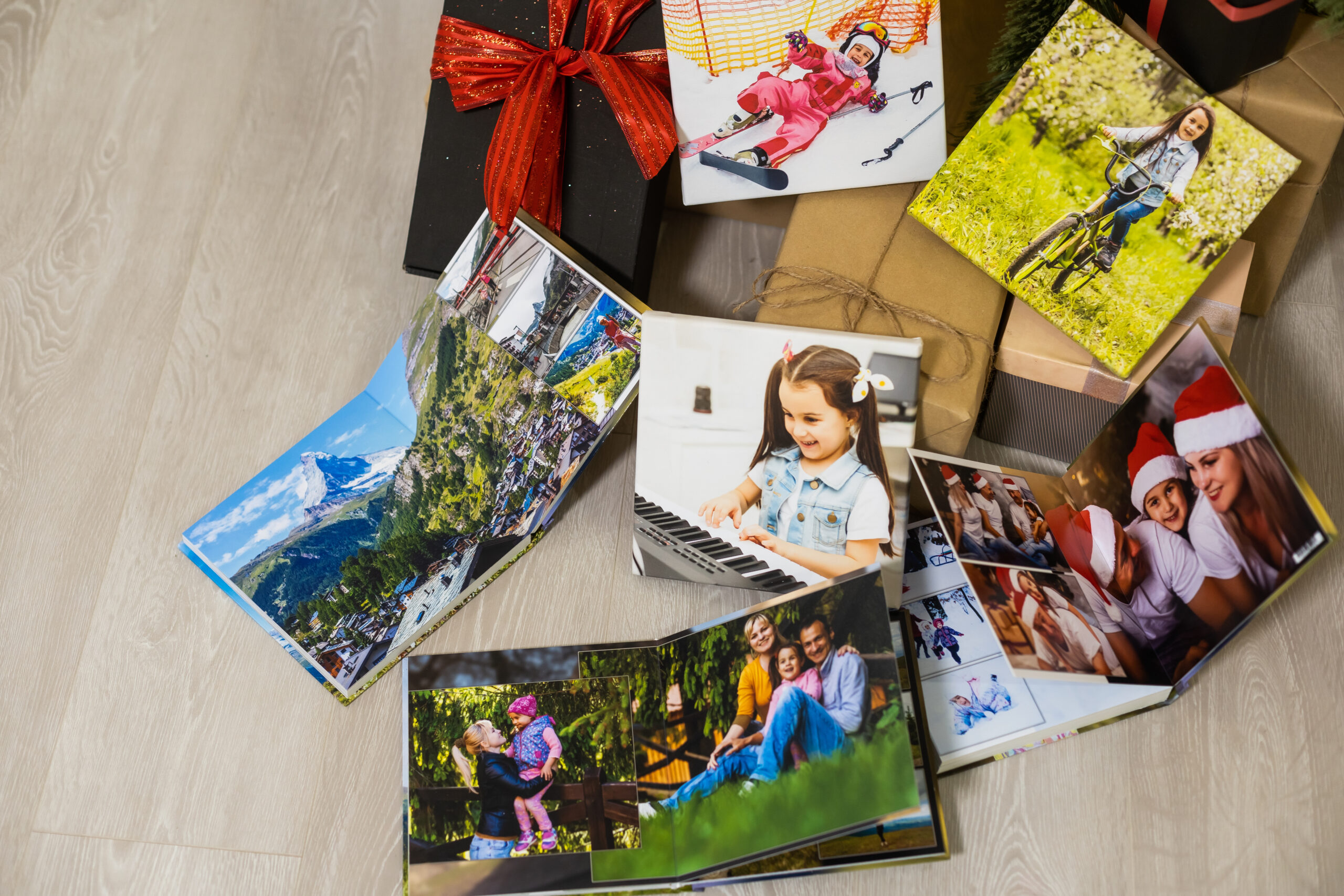
The Final Check: Preparing Your Images for Print
Before sending your images to print, do a final quality check that can save you disappointment later.
Zoom In to Check Sharpness On your phone, zoom in to 100% on each image you plan to include. If the image looks soft or blurry at full zoom, it probably won’t print well. It’s better to discover this before printing rather than after. Pay particular attention to faces in group shots and important details that will be focal points in your photobook.
Review in Good Lighting Check your final image selections in good, natural lighting rather than in dim rooms or under artificial light. This gives you a better sense of how they’ll look when printed. Colours, contrast, and detail levels can appear very different under various lighting conditions.
Test Print Key Images If you’re unsure about how certain images will print, consider printing a few key photos at home or at a local print shop before committing to your entire photobook. This is especially useful for images with challenging lighting, important group photos, or images you’re unsure about.
Check File Sizes and Resolution Ensure your images meet the minimum resolution requirements for your intended print size. Larger prints require higher resolution files. Most photobook services will warn you if an image resolution is too low, but it’s better to check beforehand.
Backup Your Selections Before beginning the design process, create a backup of all your selected images. This saves time if you need to make changes later and ensures you don’t lose your carefully curated selection.
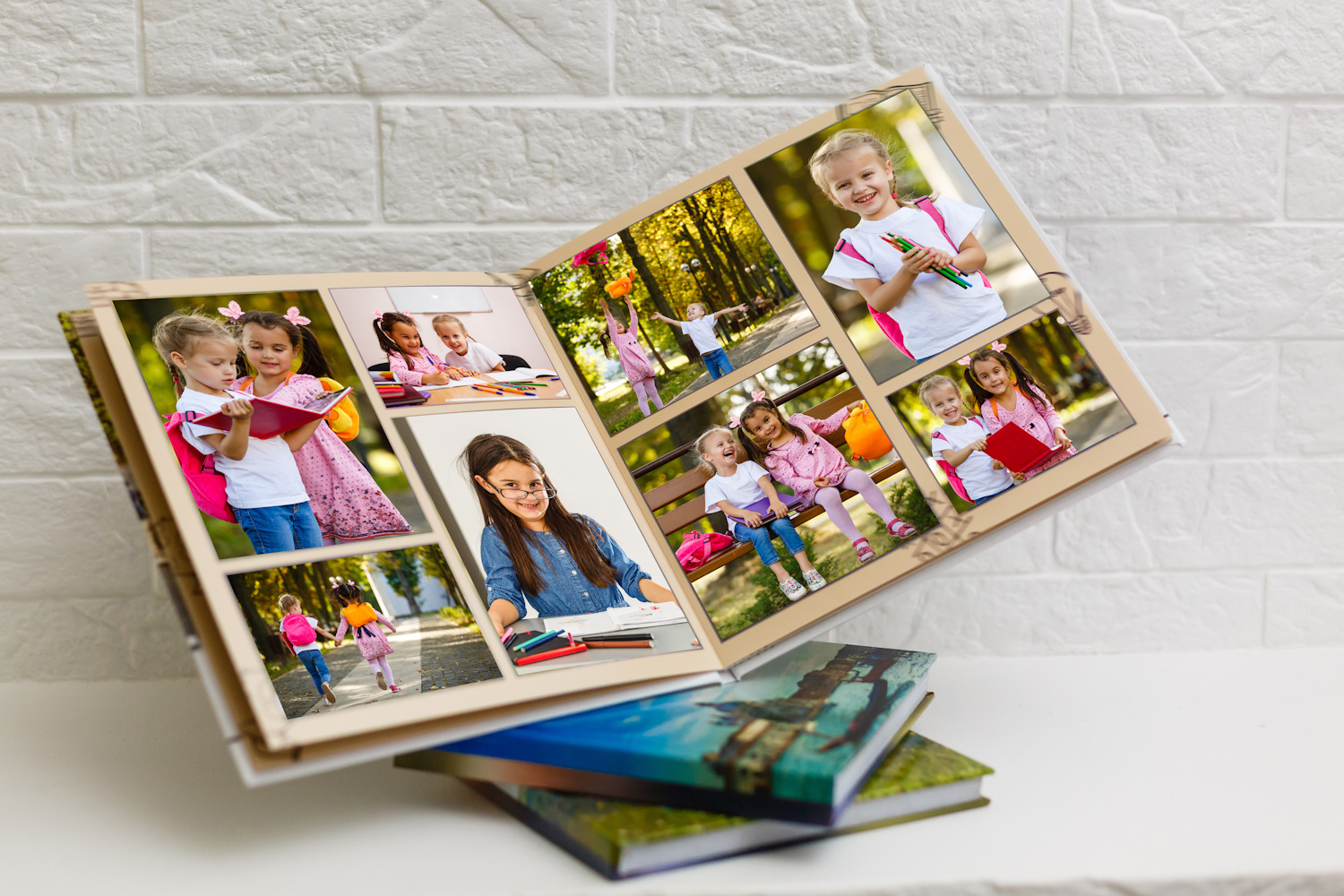
Bringing It All Together
Creating exceptional photobooks from phone photos is entirely possible when you understand both the technical and artistic aspects of the process. The key is treating your photobook as more than just a collection of photos—it’s a curated visual story that deserves thoughtful planning and execution.
Remember that these advanced techniques build upon the fundamental photography skills covered in our previous article. Master the basics first, then gradually incorporate these more sophisticated approaches to selection, organization, and preparation.
Trust Your Instincts Throughout this process, trust your instincts. If something about an image bothers you on screen—whether it’s the composition, exposure, or sharpness—trust that instinct. These issues typically become more apparent in print, not less. Your photobook should represent your best work and most meaningful memories.
Quality Over Quantity It’s better to create a smaller photobook filled with outstanding images than a large one padded with mediocre shots. Every page should add value to your story and viewing experience.
Your smartphone, combined with these techniques, is capable of producing photobooks that rival those created with professional equipment. The difference lies not in the camera, but in the knowledge, planning, and care that goes into the entire process—from capture to final selection.
With these advanced techniques in your toolkit, you’re ready to create photobooks that will be treasured for generations, turning your everyday phone photos into extraordinary printed memories that tell your unique story with professional quality and emotional resonance.