

Images: Mastering the Basics
Your smartphone is an incredibly powerful tool for capturing life’s precious moments, but there’s a significant difference between photos that look great on your screen and photos that print beautifully in a photobook. While your phone’s camera has come a long way, understanding how to optimize your mobile photography for print can transform your photobooks from good to absolutely stunning.
The key lies in understanding that what works for Instagram doesn’t always work for print. When you’re scrolling through photos on your phone, you’re viewing them in perfect lighting conditions on a backlit screen. But when those same images are printed on paper, they rely entirely on reflected light, which reveals every detail—both the good and the not-so-good.
Understanding Print vs Digital: The Foundation of Great Photobook Images
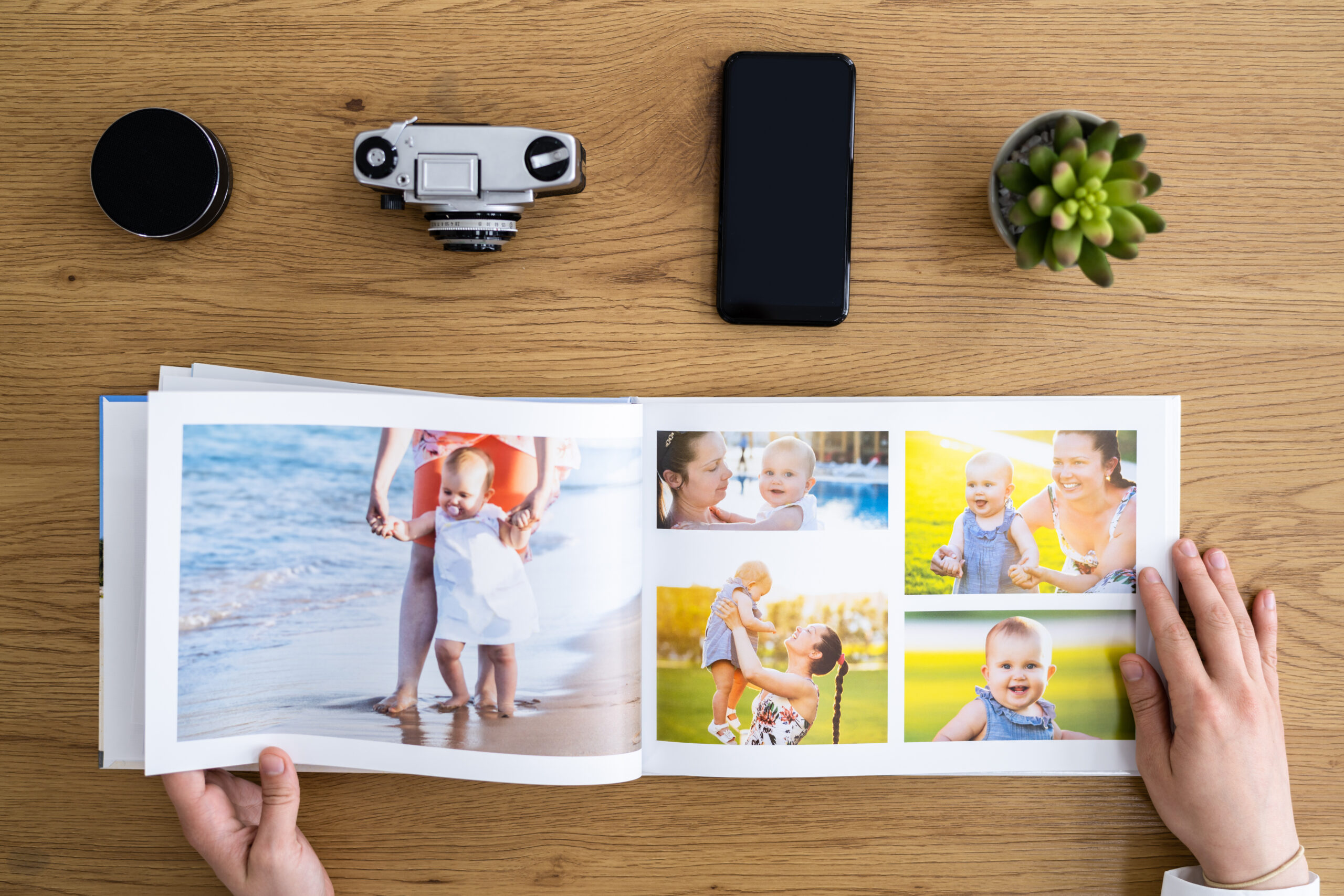
Before diving into specific techniques, it’s crucial to understand why some phone photos print beautifully while others fall flat. Digital screens can mask certain flaws through their inherent brightness and contrast capabilities. When you print an image, however, details that were hidden in shadows become muddy, slightly blurred photos become noticeably soft, and colors that looked vibrant on screen may appear dull on paper.
This doesn’t mean your phone can’t produce print-worthy images—it absolutely can. You just need to be more intentional about how you capture them. Think of it as the difference between a quick sketch and a finished painting. Both have their place, but when you’re creating something that will be treasured for years, it’s worth taking a few extra seconds to get it right.
Mastering Light: Your Most Important Tool
Light is everything in photography, and this becomes even more critical when printing. Phone cameras, despite their impressive capabilities, still struggle more than professional cameras in challenging lighting conditions. Here’s how to make light work for you:
Embrace Natural Light Whenever Possible The golden hours—shortly after sunrise and before sunset—aren’t just a photographer’s cliché; they’re genuinely magical for photobook-worthy images. This warm, soft light is incredibly flattering for portraits and adds a beautiful quality that translates wonderfully to print. If you’re documenting a family gathering or special event, try to schedule key moments during these times.
Window Light is Your Best Friend Indoors When shooting indoors, position your subjects near large windows. The soft, diffused light from a window creates even illumination that prints beautifully. Avoid mixing window light with indoor lighting, as this can create strange color casts that are difficult to correct.
Understand Your Phone’s Flash Limitations While modern phone flashes have improved dramatically, they’re still harsh and unflattering for most situations. Instead of relying on flash, try moving to better light or using your phone’s night mode, which combines multiple exposures for cleaner low-light images.
Watch for Harsh Shadows Direct sunlight can create deep shadows that lose detail when printed. If you must shoot in bright sun, try to find open shade—under a tree, next to a building, or even using a large umbrella. The light will be softer and more even.
Composition Techniques That Enhance Your Photobooks
Great composition becomes even more important when your photos will be viewed as printed spreads rather than individual images on a screen. Consider how your photos will work together as a cohesive story.
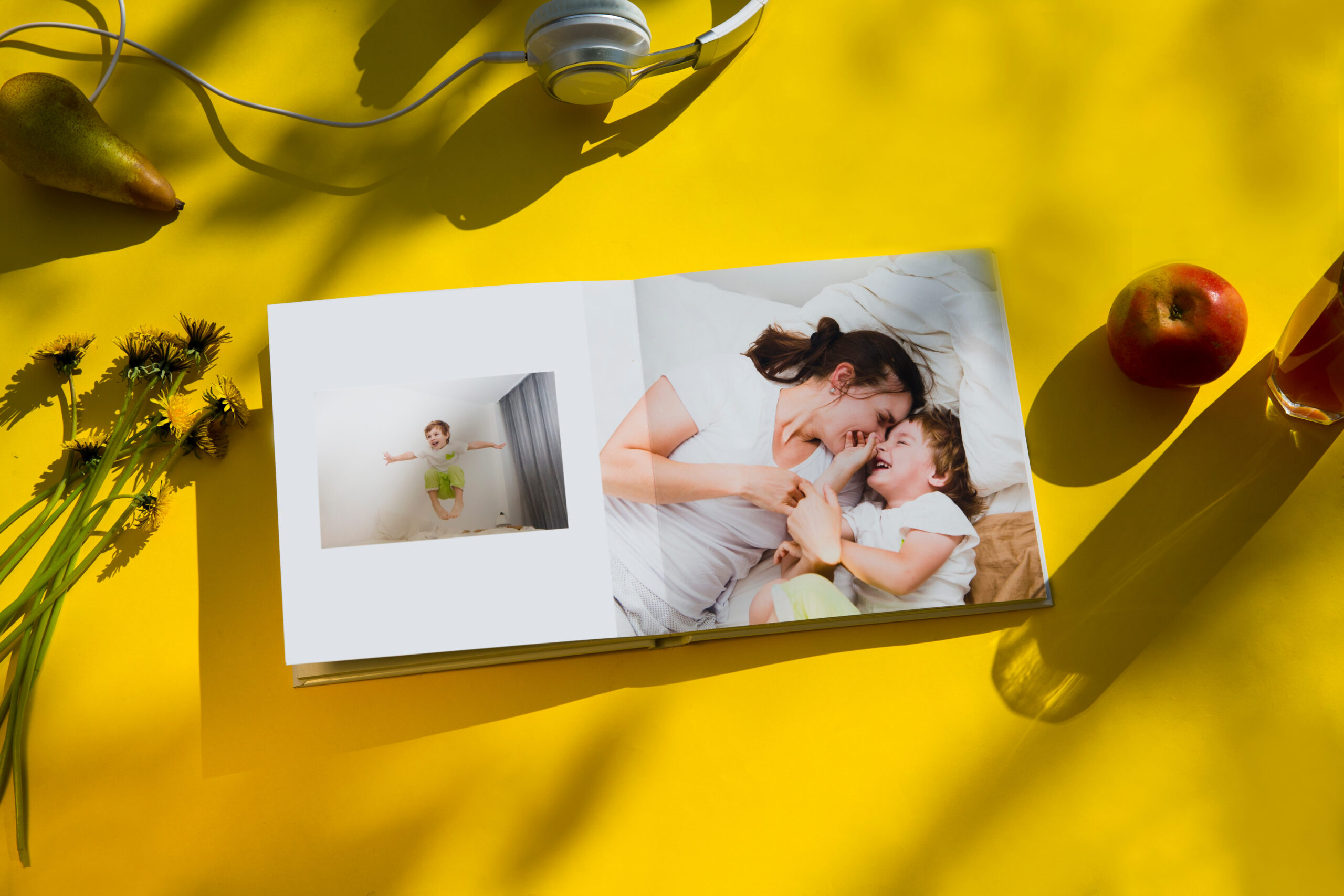
Think in Spreads, Not Single Images When taking photos for a photobook, consider how images might work together across two pages. Vary your shots between wide establishing shots, medium group photos, and close-up details. This variety creates visual rhythm that keeps readers engaged as they turn through your photobook.
Leave Space for Text and Design Elements If you know you’ll want to add captions, dates, or decorative elements to your photobook pages, compose your shots with some negative space. A beautiful landscape with clear sky area gives you room for a meaningful quote, while a portrait with space to one side allows for elegant text placement.
Master the Rule of Thirds for Print While the rule of thirds works for any photography, it’s particularly effective for print layouts. Most photobook design software makes it easy to crop images, so composing with key elements along the third lines gives you flexibility in how the image fits on the page.
Capture Vertical and Horizontal Orientations Phone cameras make it easy to shoot everything vertically, but photobooks often work better with a mix of orientations. Horizontal images work beautifully for two-page spreads, while vertical shots can create dramatic single-page impacts.

Avoiding Common Phone Photography Pitfalls
Even experienced smartphone photographers can fall into traps that only become apparent when printing their images.
The Zoom Trap Most phone cameras use digital zoom, which simply crops the image and reduces quality. Instead of zooming, move closer to your subject whenever possible. If you can’t get closer, take the shot wider and crop later—you’ll maintain much better image quality.
Motion Blur and Camera Shake Phone cameras are lightweight, making them susceptible to camera shake, especially in lower light. Hold your phone with both hands, tuck your elbows against your body for stability, and consider using your phone’s timer function for group shots to avoid camera shake from pressing the shutter.
Over-Editing Before Printing While editing apps are fun and can enhance your images, remember that heavy filtering and processing can look artificial when printed. If you’re editing for photobooks, keep adjustments subtle and natural-looking.
Putting It All Together
Mastering these fundamental techniques will dramatically improve the quality of your phone photos for printing. The key is to be intentional about your photography—understanding that creating images destined for print requires a slightly different approach than casual social media photography.
Remember, practice makes perfect. Start implementing these techniques gradually, focusing on one or two areas at a time. You’ll be amazed at how quickly your phone photography improves when you understand the principles behind great print images.
In our next article, we’ll dive deeper into the selection, organization, and preparation process—covering how to choose the best images from your collection, advanced techniques for consistency, and final preparation steps that ensure your photobooks look professionally crafted.
Your smartphone is capable of creating absolutely beautiful photobook images when used thoughtfully. These fundamental techniques provide the foundation for creating images that will look just as stunning on paper as they do on your screen, preserving your precious memories in the highest quality possible.